Go Back
Cool stuff I made
Welcome to the cavlecade of coding projects I've made over the years. Most of these you'll see are various assignments I made for college, and they range from very rough to quite decent. Each project is sorted by what langauge they were written in.
C#
All of the projects I have made using C# in Visual Studio. Personally, I didn't enjoy the class that taught this language because of the insane difficulty spike between projects (You'll see what I mean when you see them yourselves). Even now, I don't think I could ever write another C# program again, since I've mostly forgotten what I was taught about it.
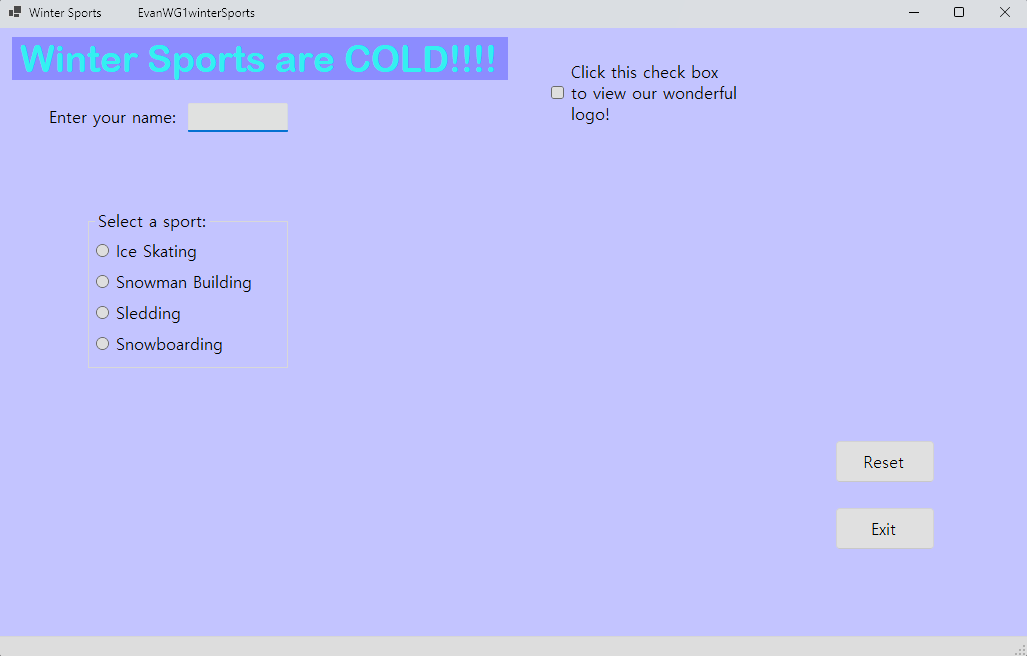
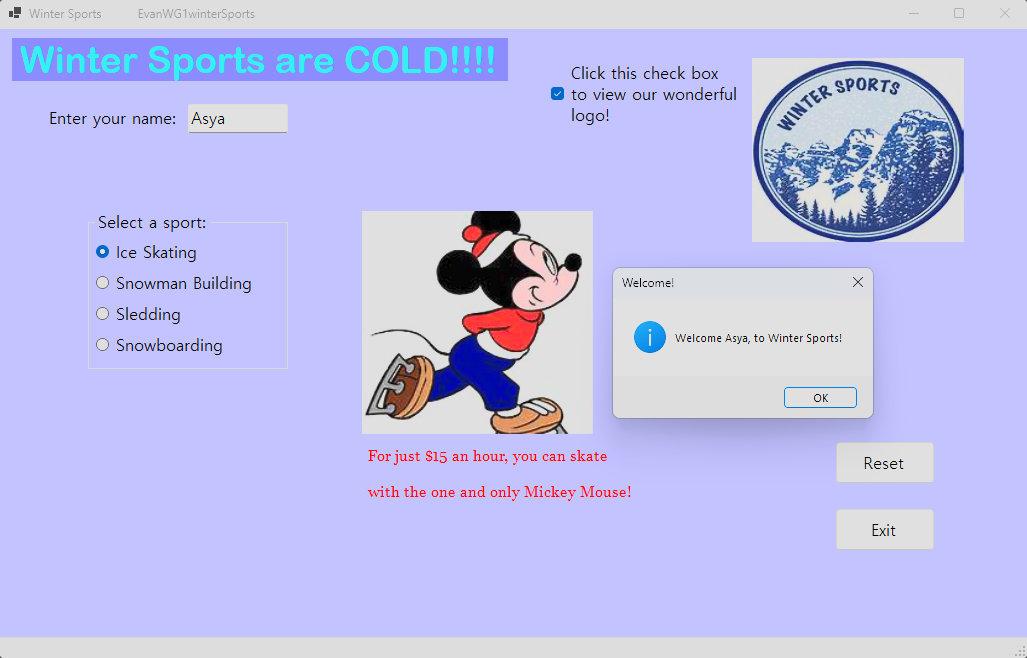
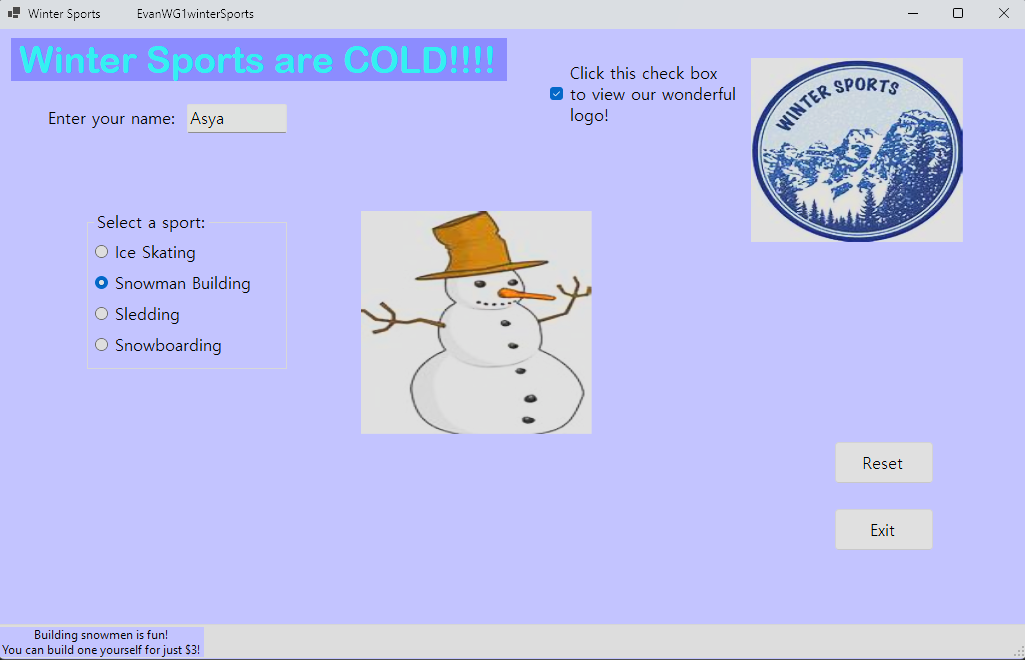
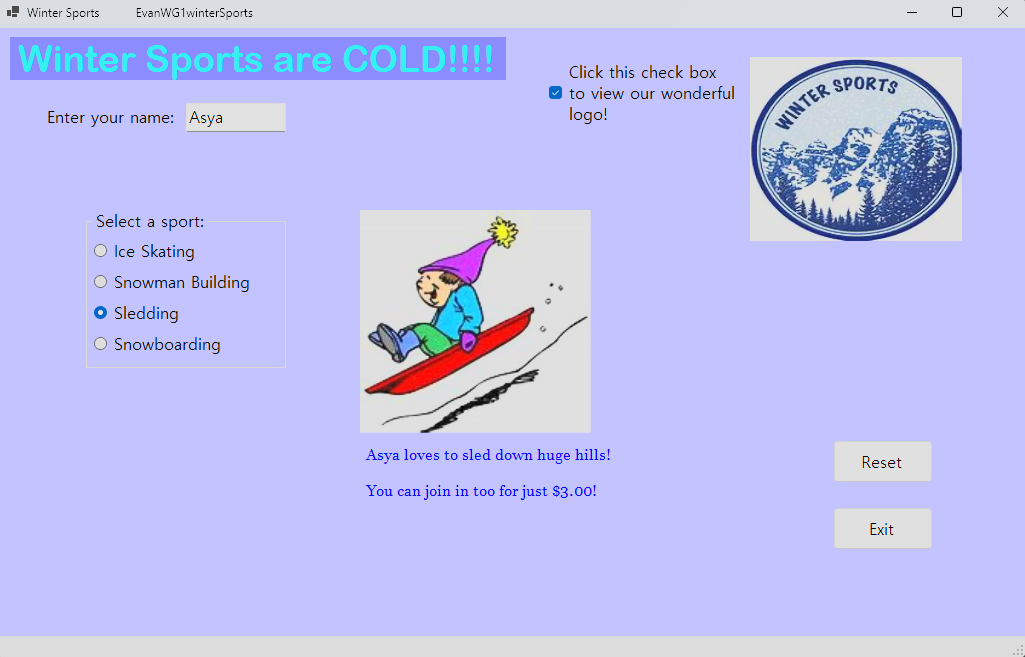
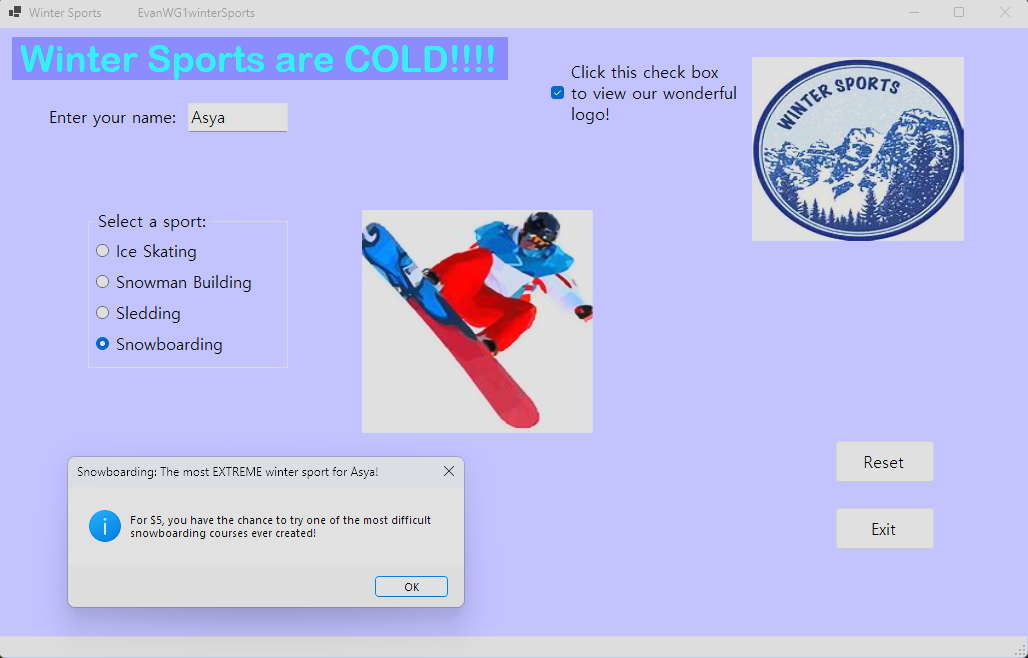
Winter Sports Advertisement
This was a simple GUI program meant to demontrate how to implement various GUI elements in Visual Studio, such as radio buttons, textboxes, popups, etc. All you can really do is click on a button and let the progam display a mediocre image with some text showing how "COOL AND AWESOME" this sport is. It wasn't the greatest to code, but at least it was simple enough.
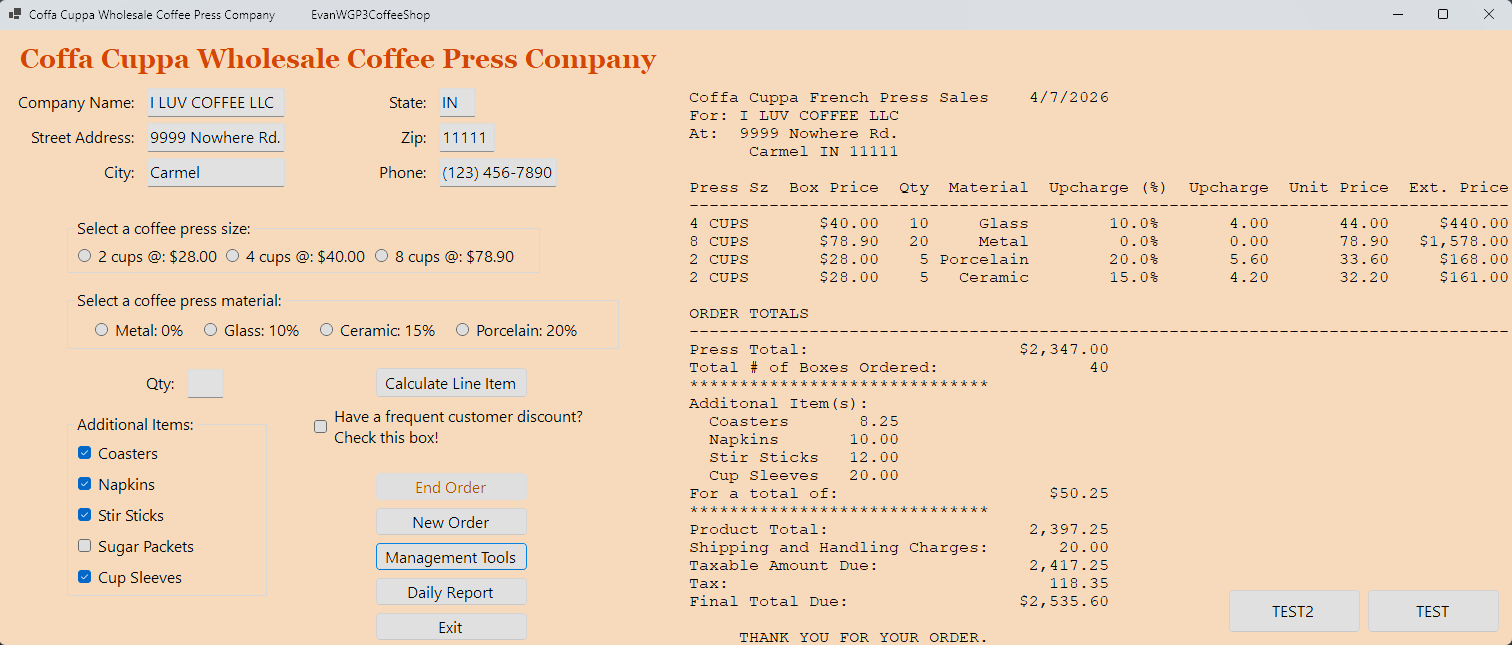
Coffee Machine Wholesale Ordering System
Now do you see what I mean when mentioned the difficulty spike? I went from a simple winter sports program where you click buttons and it displays stuff to a full on wholesale POS system where you have to calculate prices for an order based on a slew of things, and print them all out in a reciept that needed to be maticulously formatted due to how certain fonts and C# work. Programming this thing was a NIGHTMARE, and I wasted weeks on end just trying to get this thing to work. Honestly, if I had a different professor for the class I learned C# in, I probably would have done more with the language as a whole. I actually have multiple versions of this program saved on my computer, but you only get to see the final version, because it's the best I've got for you right now.
Python
All of the projects I have made using Python in Visual Studio Code. Python is basically my go-to when it comes to any coding project, mainly due to how simple and dynamic the language is as a whole. Because of this, it has resulted in projects that I'm more proud of compared to my C# projects. Unfortunately, most of these projects do not have any GUIs, so I've provided links for you to download the programs yourselves and open them in VS Code to check them out. Since these projects are multiple .py files working together, you'll need to group them in a folder.
Number Base Converter
This link currently downloads nothing as the free plan does not allow you to upload ZIP files. Once I become a supporter, I will include the ZIP here.
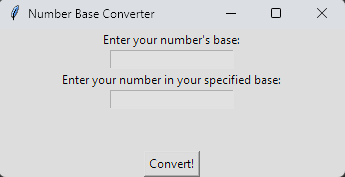
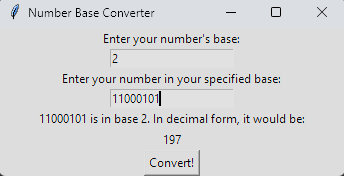
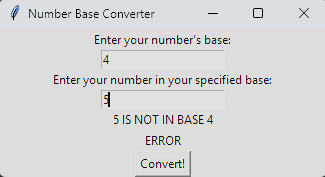
One of the first programs I actually saved (since I've made projects before but forgot to save them). It takes a number in a specific base (binary, octal, hexadecimal, etc.) and converts it into decimal form. Interestingly, this is the only python project I have that has a GUI, since it uses tkinter as a package for the window that loads when you start the program.
Library Manager
This link currently downloads nothing as the free plan does not allow you to upload ZIP files. Once I become a supporter, I will include the ZIP here.
A program for managing a library, keeping track of inventory, patrons, checked out books, and late fees.
Monster Battle Arena
This link currently downloads nothing as the free plan does not allow you to upload ZIP files. Once I become a supporter, I will include the ZIP here.
A text-based turn-based RPG where you fight monsters and stuff (basically a shitty Final Fantasy if you think about it).
Fleet Manager
This link currently downloads nothing as the free plan does not allow you to upload ZIP files. Once I become a supporter, I will include the ZIP here.
A program for a fleet manager, where you can add/remove cars from your fleet and calculate their milage and fuel consumption for a trip.
College Event Manager
This link currently downloads nothing as the free plan does not allow you to upload ZIP files. Once I become a supporter, I will include the ZIP here.
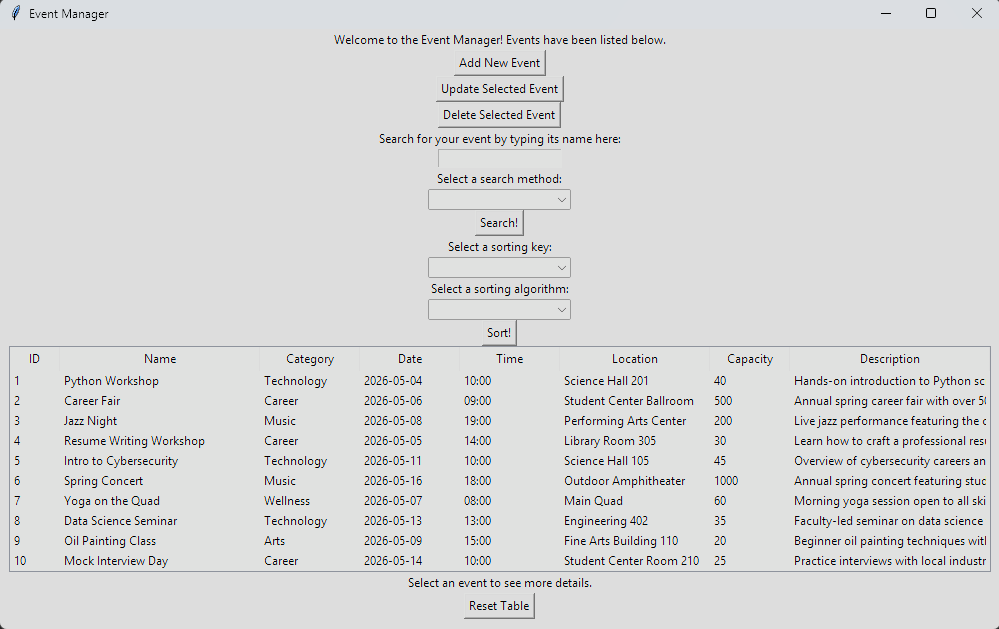
A event manager program for a college, allowing to add, update, and delete events from a table. You can also search for specific events and sort them by a category. This one basically gave me flashbacks to the final C# program I made, because not only did the professor make us implement things we've only read about in a textbook (algorithms, stacks, queues, etc.), but they gave us ONE WEEK to do everything. That means one week to implement data structues, algorithms, and an entire GUI to tie them together. I had never been so stressed working on a coding projecft, and it is definitely one of my worst works out there. The UI is a mess, and the code is even messier.
Django
All of the projects I've made using Django, Git, and VS Code. If you don't know what Django is, it's basically a web framework package you install in a GitHub repo that allows you to create websites. Now, you may be thinking, "Why are you using Neocities for your website when Django does the same thing?" to which I say, yes, I could have, but I don't have the need to. While you can make static websites, Django also allows you to install full blown databases (known as "models") into your website, allowing you to create things like signup/login systems, password changes, and much more. The only reason I'm not using it for my personal website is because I see no purpose of adding an entire database into a website that's just meant to show off stuff. Below each entry is a link to each project's GitHub repo, since I've never been able to host them anywhere (The class that taught me Django previously had a requirement where you needed to publish your site up to Heroku, but then they started paywalling users for account creation, so it's no longer a requirement). If I ever do find a spot to host these, I'll put the links to them here too.
Static Personal Website
A simple static personal website meant to show off the basics of what Django can do and how much it does things for you. It's not much, and I never got around to filling in the rest of the missing info, but that's okay. Neocities is just better at personalization anyway.
GitHub Link
TODO List
A website solely dedicated to making tasks in a TODO list. That's it. You log in and make tasks that you'll probably never do.
GitHub Link
Restaurant Rating Website
Basically a knockoff of Yelp where you review restaurants. And even then, only the admin can add restaurants to the list of restaurants you want to review. At least this one has a sophisticated database.
GitHub Link
Tweeter
Like the restaurant ratings project, this one is also a knockoff of a more popular website, this time Twitter. It's a very barebones social media site with limited features, but at least you don't experience the constant toxicity you see on Twitter.
GitHub Link
Go Back